
In recent years, there has been a significant advancement in the field of Artificial Intelligence (AI) and Augmented Reality (AR). These technologies have become increasingly popular and have the potential to enhance virtual experiences in various fields such as gaming, education, healthcare, and...
A program automatically edits legal documents without a lawyer
127
29.07.2026
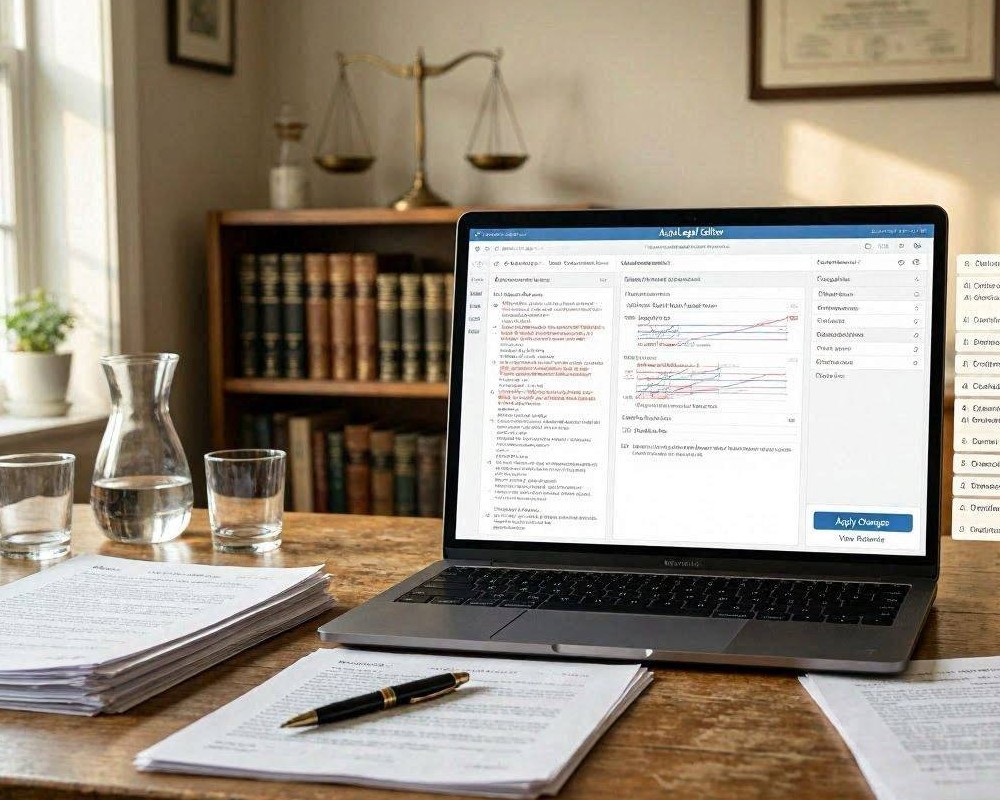
Legal documents carry consequences, and the idea that a program can edit them “without a lawyer” sounds both convenient and risky. Automated legal document tools can help with drafting, formatting, clause selection, and consistency checks. Still, they cannot replace professional legal judgment in complex situations. The key is understanding what automation can do reliably, where it fails, and how to use it responsibly.
What “automatic editing” actually means
Most programs that edit legal documents do not truly “understand law” the way an attorney does. Instead, they apply rules and patterns to existing text. Typical automation features include:
- Clause rewriting: reformatting sections, simplifying wording, or aligning terminology with a chosen template.
- Document consistency checks: spotting mismatched dates, parties, definitions, or cross-references.
- Redlining and tracking: comparing versions and producing suggested edits.
- Form completion: inserting names, addresses, jurisdiction fields, and standard terms.
- Risk prompts: flagging missing items (e.g., notice periods) or unusual clauses based on checklists.
When a tool “edits” a contract, it often does so by selecting pre-approved language, reorganizing sections, or enforcing drafting conventions rather than producing bespoke legal reasoning.
Benefits of using an automated legal editing program
For many routine workflows, automation can reduce time and human error. Done well, it supports accuracy and clarity—especially when documents follow predictable structures.
1) Faster turnaround for common documents
Many businesses need repeatable documents: nondisclosure agreements, service terms, or basic employment notices. Automation can quickly adapt a template to new inputs, saving hours that would otherwise be spent formatting and rechecking.
2) Fewer inconsistencies and drafting mistakes
Humans miss details under time pressure. A program can systematically check for repeated definitions, contradictory dates, or missing signature blocks. Even minor corrections can prevent disputes later.
3) Better standardization across teams
When multiple employees draft or revise documents, language can drift. An editing program can enforce uniform terminology and clause ordering, helping organizations maintain an internal standard.
Limitations: where automation can be dangerously wrong
The biggest concern is that “without a lawyer” implies legal adequacy. Automation cannot assess your legal position, interpret local statutes, or evaluate how a court is likely to treat a specific clause in your context.
Context-sensitive legal analysis is not plug-and-play
Contract outcomes depend on facts: your industry, bargaining power, the parties’ history, and the jurisdiction. A tool may insert a standard clause that looks correct but is inappropriate—for example, regarding limitation of liability, termination rights, or data protection obligations.
Jurisdiction and compliance are highly specific
Even simple terms can vary by location. A program may not fully account for regional regulatory requirements, consent standards, consumer protection rules, or sector-specific restrictions.
Ambiguity can be introduced through “cleaned” language
Editing for readability is not always the same as editing for legal effect. Over-simplification can remove nuances that establish intent, allocate risk, or define remedies.
How to use automated editing more safely
If you choose to use a program, treat it as an assistant, not an authority. The goal is to reduce mechanical errors while preserving legal review where needed.
Adopt a verification workflow
- Start with the right template: select a template aligned to your jurisdiction and contract type.
- Provide accurate inputs: correct party names, dates, governing law, and scope details.
- Review flagged sections: treat risk prompts as “review required,” not “auto-approved.”
- Check cross-references: ensure that definitions and exhibits match the final version.
- Run plain-language and legal-language checks: confirm that meaning didn’t change during editing.
Know when a lawyer review is essential
- High-value or high-risk deals: complex liability exposure, long-term commitments, or major IP licensing.
- Disputes or threatened litigation: timelines, remedies, and evidence preservation matter.
- Regulated industries: healthcare, finance, telecom, or data-intensive sectors with strict rules.
- Unusual business terms: anything that deviates from standard positions or expectations.
Bottom line
A program that automatically edits legal documents can be genuinely useful for standard drafting, consistency, and speed. However, it should not be viewed as a replacement for legal counsel. The safest approach is to combine automation with human verification—especially when the document affects significant money, rights, or regulatory compliance. If you need the document to hold up under scrutiny, budget for review proportional to the risk.