In recent years, there has been a significant advancement in the field of Artificial Intelligence (AI) and Augmented Reality (AR). These technologies have become increasingly popular and have the potential to enhance virtual experiences in various fields such as gaming, education, healthcare, and...
A Program Helps Blind People Describe Photographs to Their Loved Ones
112
01.08.2026
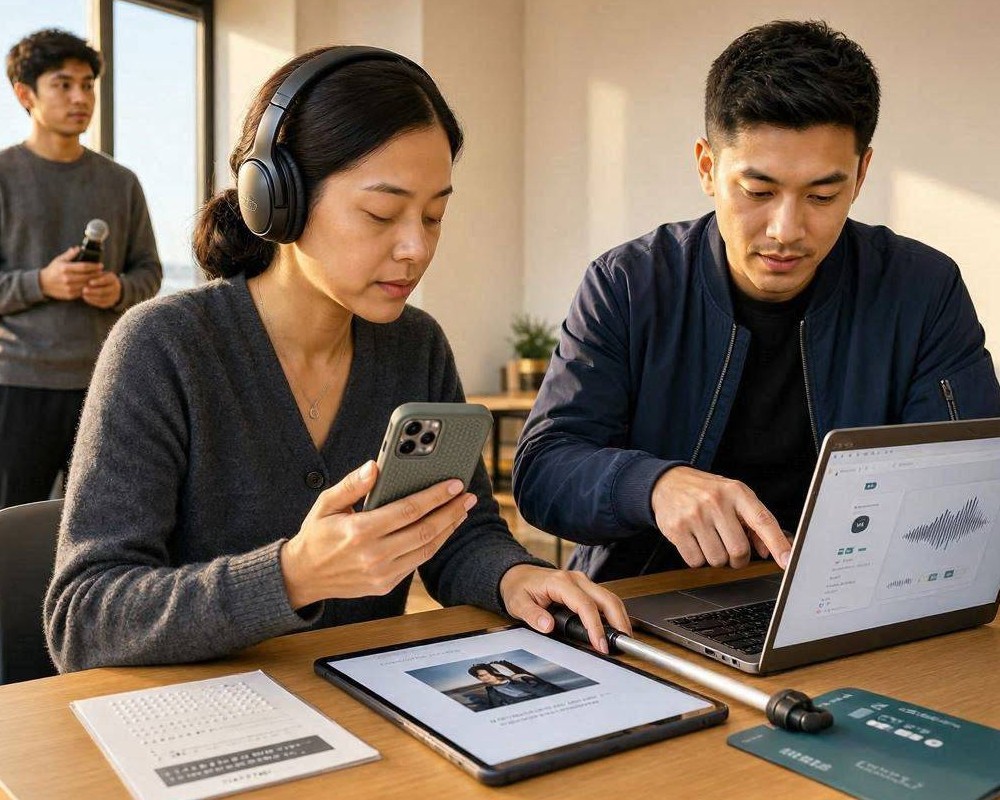
Being unable to see a photograph doesn’t mean you can’t share its meaning. A new type of program is designed to help blind people describe photographs to their loved ones in a way that feels natural, detailed, and emotionally true. Instead of forcing users to guess what’s on the screen, the tool guides them through a clear narration workflow—turning a static image into a spoken description that others can understand and enjoy.
Why accurate photo description matters
Photographs carry context: who is in the picture, what’s happening, what mood the moment has, and why it’s important. For many people who are blind, describing photos can be difficult when details are subtle—like lighting, distance, or background elements. Without support, the description may become incomplete, leading to misunderstandings or a feeling that sharing isn’t worth the effort.
A dedicated program addresses this gap. It helps users create structured descriptions that are consistent enough for listeners to visualize the image, while still allowing the narrator’s own perspective and emphasis.
How the program works in everyday use
Most photo-description experiences succeed when they reduce cognitive load. The program focuses on guiding the user step-by-step, so narration becomes fast and repeatable.
1) Capture and readiness
Users can upload an image or capture one with a device camera. The system then prepares the content for description, ensuring the user receives relevant information without needing to interpret visuals directly.
2) Guided prompts for what to say
Instead of presenting a single block of text, the program prompts the user with common description categories. This encourages complete storytelling rather than a vague summary.
- People: number of people, apparent age group, facial direction, visible actions.
- Objects and setting: major items in the foreground, background context, locations when identifiable.
- Actions: what appears to be happening at the moment.
- Lighting and mood: bright vs. dim scenes, warm vs. cool tones, atmosphere.
- Composition: framing cues like close-up vs. wide shot, perspective, notable symmetry or depth.
3) Accessible narration output
Once the description is generated and refined, the program provides an easy-to-share output. This can be read aloud, copied into a message, or adjusted for different audiences—like a quick note for a friend versus a more detailed explanation for a parent.
What makes the communication feel personal
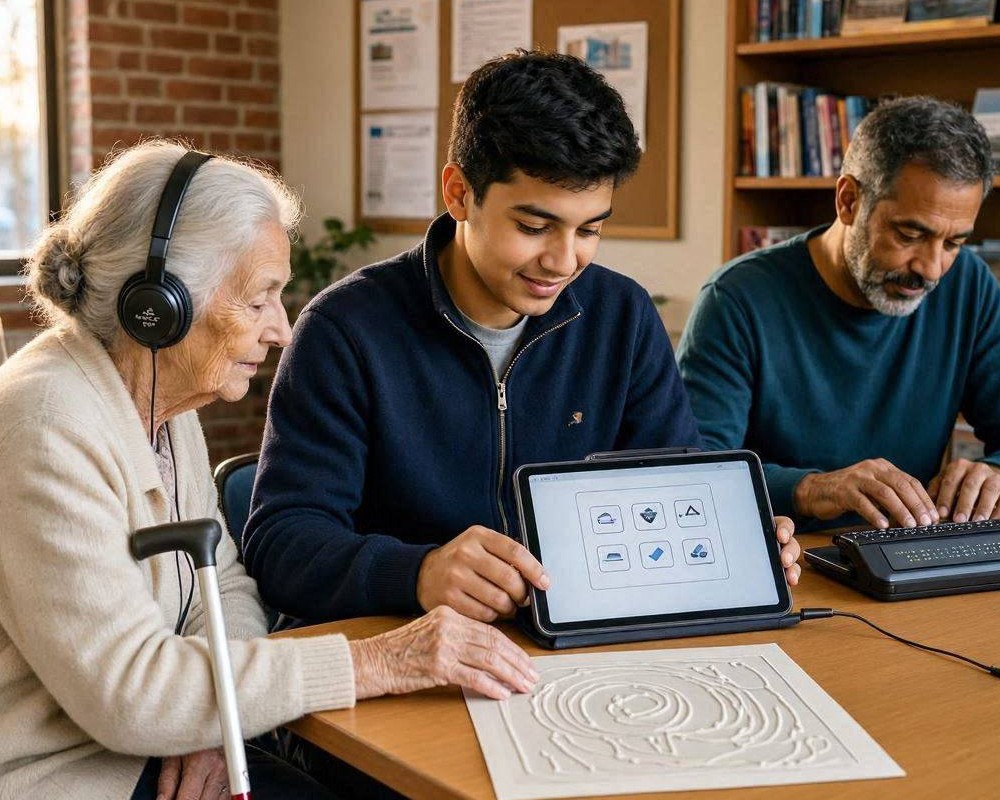
Listeners don’t just want facts; they want understanding. A strong description supports empathy and memory. For example, a user might highlight why a child’s smile stands out, describe a family tradition happening in the background, or mention the surprise feeling of a candid moment. The program enables that by separating “what’s present” from “how it matters.”
Additionally, users often want to control tone: they may prefer a brief, cheerful recap or a more careful, sensory account. The tool’s workflow is designed to leave room for personal storytelling, not robotic output.
Benefits for loved ones and relationships
When descriptions are clear, loved ones engage more naturally. Instead of saying, “I wish I could see,” family members can respond with questions and shared emotions: “Who are the people in the back?” “Why does the scene feel dramatic?” “Does this look like a holiday you remember?”
Improved responsiveness
A well-structured narration makes it easier for listeners to react right away—keeping conversations alive rather than delayed until someone can explain the photo.
More confident sharing
Many users hesitate to send images because they fear the description will be wrong. By supporting consistent detail capture, the program helps reduce anxiety and encourages more frequent photo sharing.
Considerations and responsible design
To be truly helpful, a program should respect limitations. Some images are complex, blurry, or heavily stylized. In such cases, the tool should communicate uncertainty rather than invent details. Responsible systems also need clear privacy controls, because photographs may contain identifiable people, places, or sensitive moments.
Good design also supports accessibility beyond blindness—such as captions for those who prefer reading, language options, and predictable interaction patterns.
The future of inclusive photo sharing
As photo-sharing becomes more common, accessibility tools must evolve to meet real social needs. A program that helps blind people describe photographs doesn’t just translate visuals into words—it preserves connection. By combining guided prompts, accessible output, and room for personal meaning, it enables loved ones to experience the story behind the image, together.